
Features
The Public API
Trackplanet has an API that’s open to its users to allow some nice automations. It’s a work in progress and this post will always reflect the current status.
Getting an API key
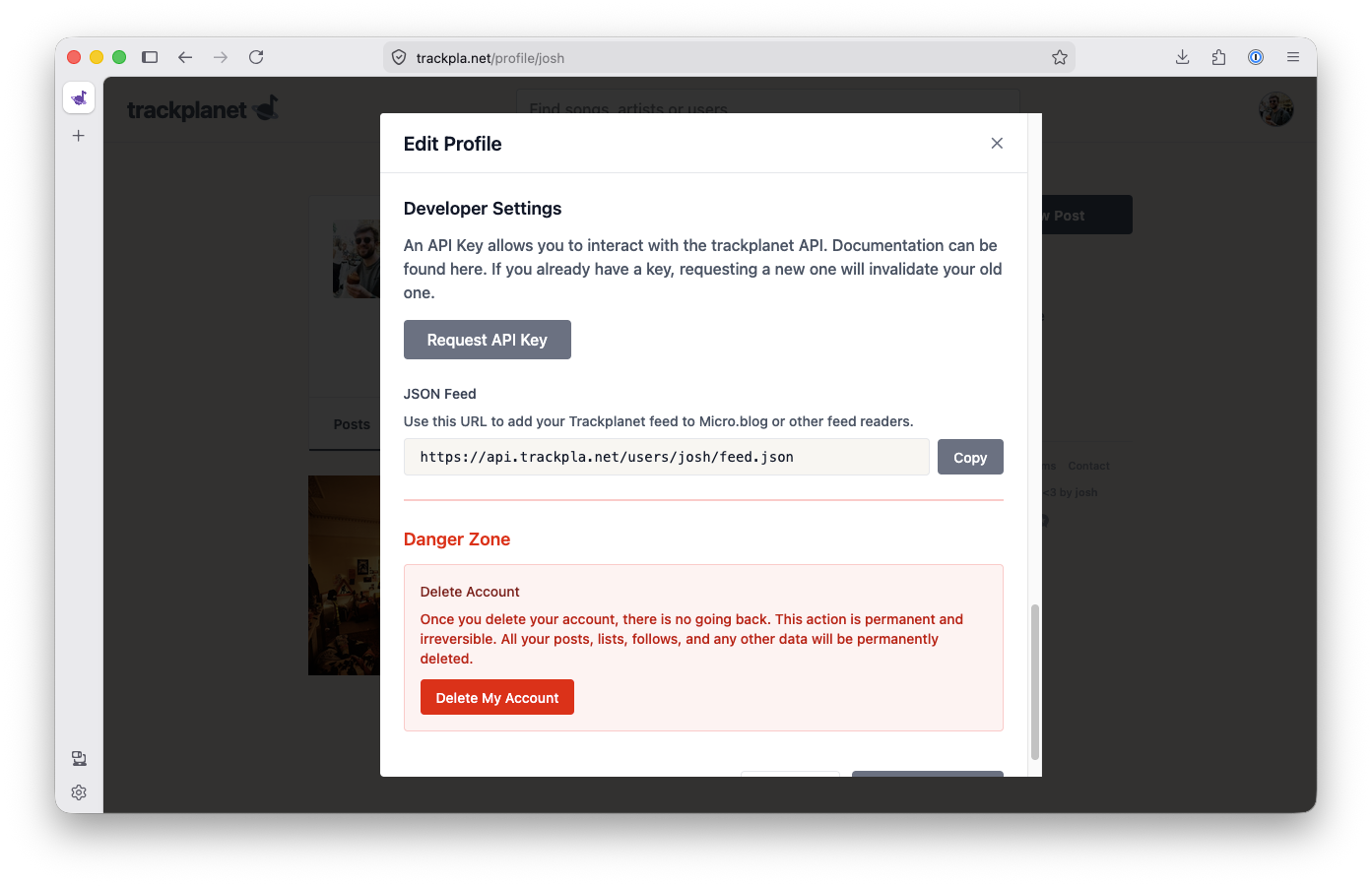
Head to your trackplanet profile and then ‘Edit Profile’. Down in Developer Settings you can request an API key. This is a one-time operation and you’ll be warned to save your key somewhere. If you request another key, your old one will be revoked.
Endpoints
https://api.trackpla.net/lists/edit
- Method: POST
- Headers:
- Content-Type: application/json
- X-Api-Key:
your api key
Body:
{
  "list_name": <name_of_your_list>,
  "item": "<link to track or album from supported streaming service>"
}
Response:
{
  "message": "Track added to list successfully",
  "list_name": "<name_of_your_list>",
  "item_type": "track",
  "track_name": "<track_name>",
  "artist_name": "<artist_name>"
}
If you have any issues using the public API, get in touch and let me know. I’ll do my best to get it working for you. Additionally, for any other functions you would like opening up to the public API, let me know and I’ll endeavour to make them available. You can get a message to me here.
Happy listening!